To configure VS Code to format a python file with Black automatically when it is saved:
Install black (in macOS I used brew). This will install back in /usr/local/bin/black
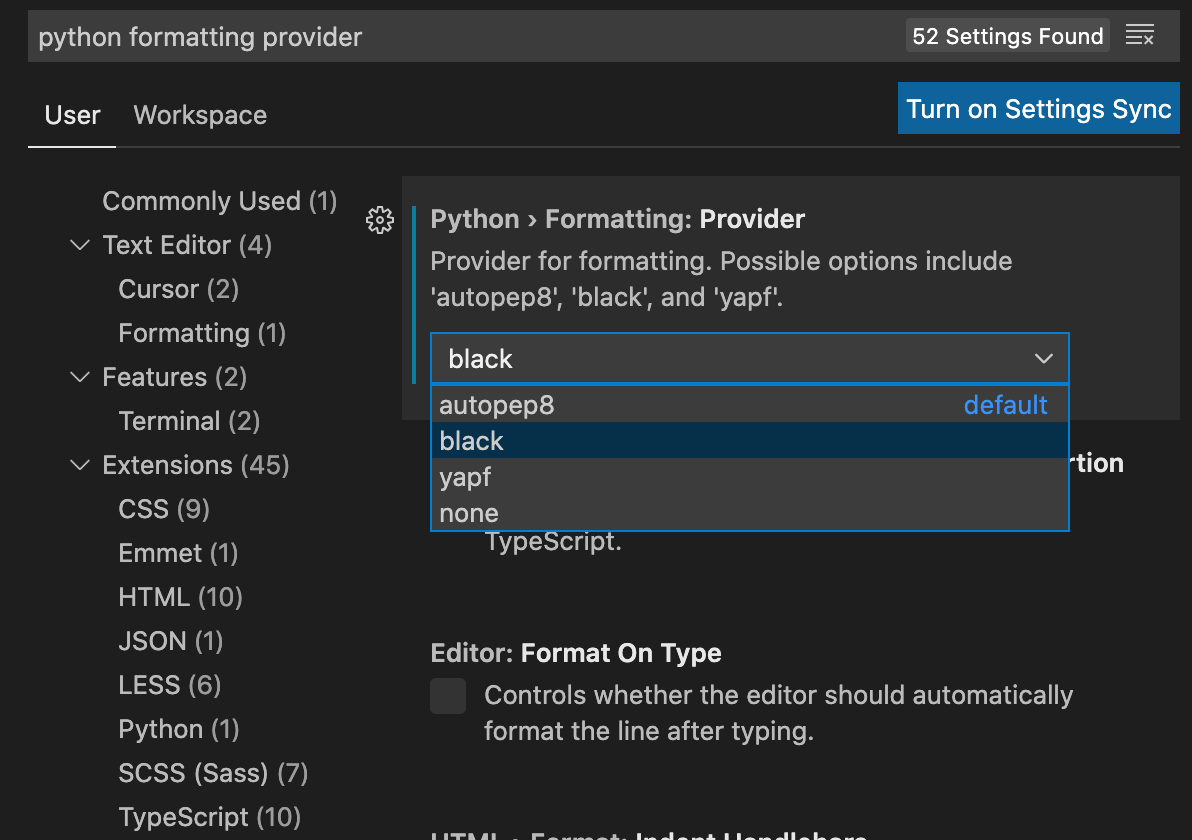
In VS Code settings (Code > Preferences > Settings), search for “python formatting provider” and select “black”
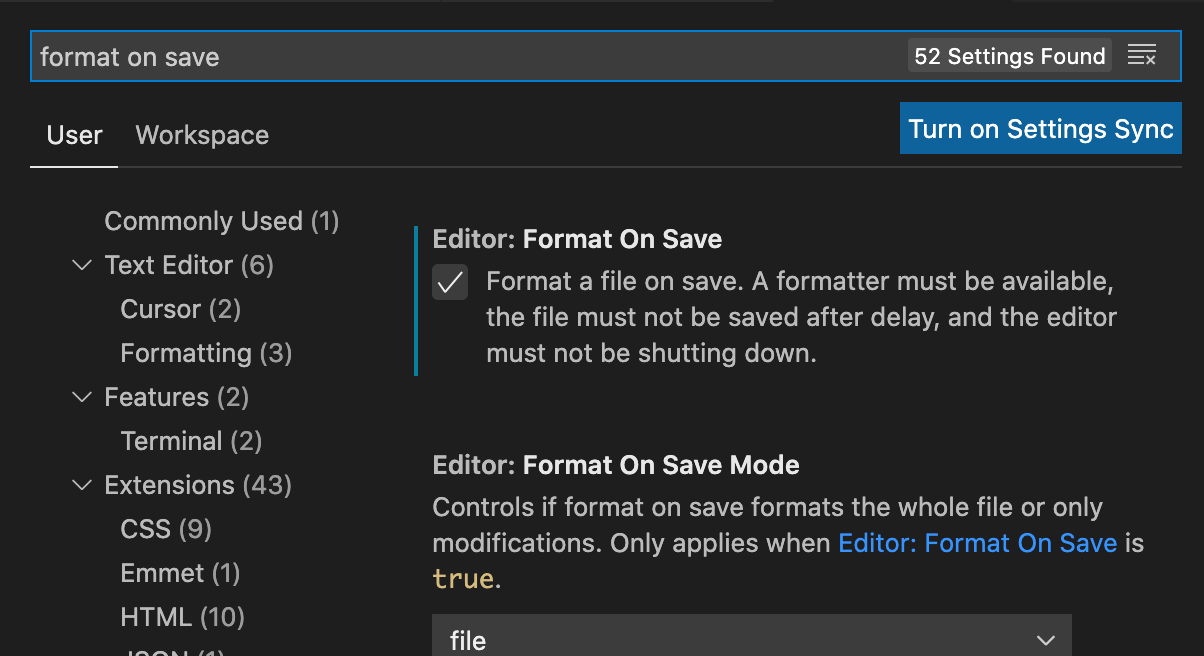
In VS Code settings (Code > Preferences > Settings), search for “format on save” and check the box
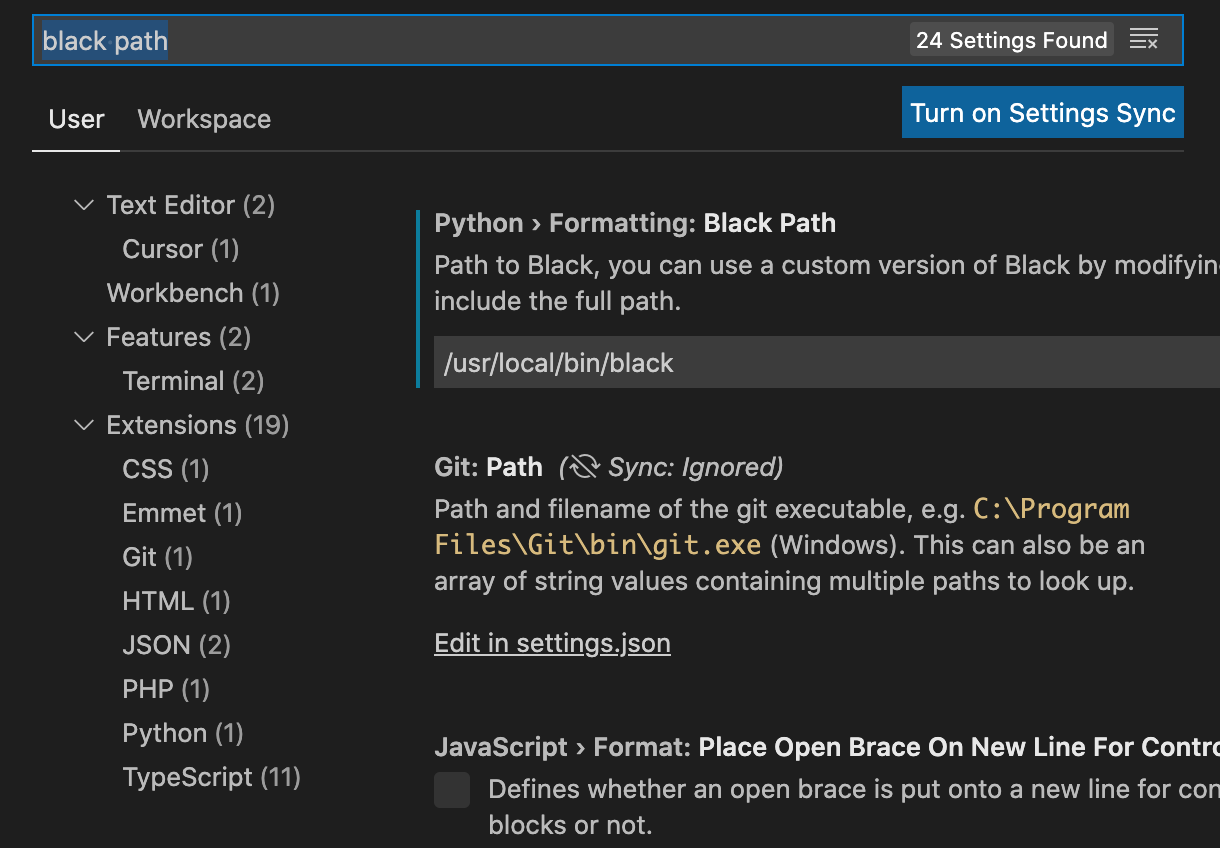
In VS Code settings (Code > Preferences > Settings), search for “black path” and set the path for black to /usr/local/bin/black